Bible verse wallpaper app vs a free web maker
You do not need a Bible verse wallpaper app to get a verse on your lock screen. A free web maker like Lampscreen makes a PNG at your exact screen size with no install or account. An app makes sense if you want home screen widgets or a verse that changes on its own every day.
By The Lampscreen team (Product and testing). Last updated .
Side by side
| Lampscreen | Verse wallpaper app | |
|---|---|---|
| Price | Free PNG; clean HD file 1 free per day, then credits from $2.99 | Often free to install, with ads or a subscription for themes |
| Install | None, works in the browser | Download from the App Store or Google Play |
| Account | Not needed | Often asked for to sync or to subscribe |
| Widgets | No | Usually yes, on the home and lock screen |
| Daily new verse | Free daily image URL, set with an iPhone Shortcuts automation | Usually built in, with notifications |
| Screen sizes | 17 sizes at native resolution, phones to 4K monitors | Usually sized for the phone it runs on |
| Translations | KJV and WEB, or paste any text | Varies; some offer licensed versions |
| Your photo | Stays in your browser for the free PNG | Depends on the app's privacy policy |
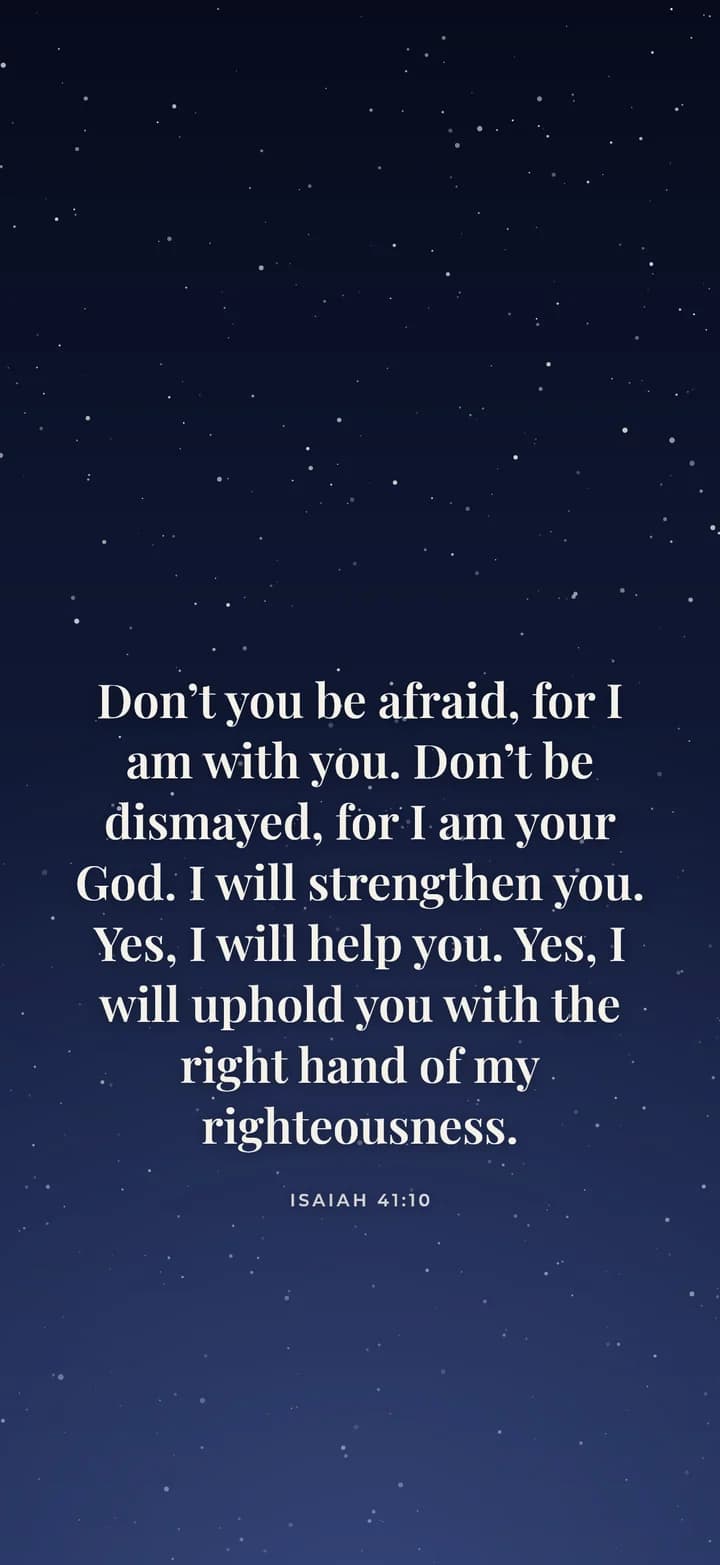
What a Bible verse wallpaper app usually offers
Most verse apps in the App Store and Google Play follow a similar pattern. You install the app, pick a theme, and the app shows a verse in a widget or sets a new picture for you. Many also send a morning notification with the verse of the day.
In return, these apps often run on a freemium model. The basic version is free, while extra themes, fonts or ad free use sit behind a weekly, monthly or yearly subscription. That is a fair trade for many people, but it is worth reading the paywall before you start a trial.
Why a web maker can replace a Bible verse wallpaper app
A lock screen wallpaper is just a picture. So if all you want is one verse that looks good, you can make it in the browser and save it to Photos. Then you set it once, and nothing runs in the background afterward.
Our maker also covers more screens than a phone app. For example, the same verse can go on your iPhone, your iPad and a 4K monitor at the native size of each. You pick from two public domain translations, or you type the text yourself.
When a Bible verse wallpaper app is the better choice
To be fair, an app wins in a few clear cases. If you want a verse widget on your home screen, you need an app, because a web page cannot add widgets. Likewise, an app can rotate verses and send reminders without any setup.
Also, some apps include licensed translations such as the NIV, along with reading plans and devotionals. If you want all of that in one place, a dedicated app may suit you better than a simple wallpaper maker.
A daily verse without a Bible verse wallpaper app
If the daily change is the main reason you are looking for an app, there is a middle path. We publish a free image URL that shows a new verse every day. With a personal automation in the iPhone Shortcuts app, your lock screen can update each morning.
However, this takes a few minutes to set up, and it works on iPhone only. On Android or a laptop, you would download a fresh PNG yourself whenever you want a new verse.
Frequently asked questions
Is there a free Bible verse wallpaper app?
Many verse apps are free to install, but themes or ad free use often need a subscription. A web maker like ours is free in the browser and needs no install at all.
How do I put a Bible verse on my lock screen without an app?
Make the wallpaper on this site, download the PNG and save it to Photos. On iPhone, open the image, tap Share, then Use as Wallpaper.
Can I get a Bible verse widget without an app?
No. Widgets on iPhone and Android come from installed apps. A wallpaper shows the verse behind your clock instead, and it needs no app.
Can my lock screen show a new verse every day?
Yes on iPhone. Use our free daily verse image with a Shortcuts personal automation, and the wallpaper updates each morning.
How do I cancel a verse app subscription?
On iPhone, open Settings, tap your name, then Subscriptions. On Android, open the Google Play Store, tap your profile, then Payments and subscriptions.
Does Lampscreen work on Android too?
Yes. Pick an Android size such as Pixel 9 or Galaxy S25, download the PNG, then long press the home screen and choose Wallpaper and style.