Black Bible verse wallpaper maker
A black Bible verse wallpaper is easy to make here: pick a verse, choose Midnight black or Onyx and gold, and keep the text color on Auto so it turns warm white. Then select your phone and download the PNG. It is free, it runs in your browser, and you never need an account.
By The Lampscreen team (Product and testing). Last updated .
iPhone 16, 15, 15 Pro, 14 Pro, 1179 x 2556 px
The free PNG carries a small mark at the bottom. The clean file has no mark and is rendered on our server: 1 free each day, then credits.
How to make a black Bible verse wallpaper, step by step
Open the Strength topic and pick a verse, or search for a word you love.
Choose Midnight black for a plain dark screen or Onyx and gold for a warmer one.
Leave the text color on Auto, or tap the gold swatch for a richer accent.
Pick Montserrat for a bold look or Playfair for a classic one.
Select your exact phone model and download the free PNG.
Every size downloads free with a small mark, and the first 1 clean HD render each day is free too. After that, see the pricing page for packs and plans, or read how we test the tool.
Black Bible verse wallpaper: a real render from our maker
We rendered this page's starting design with the same code that makes the clean HD download. So the picture and the numbers below come from one real run, not a mockup.
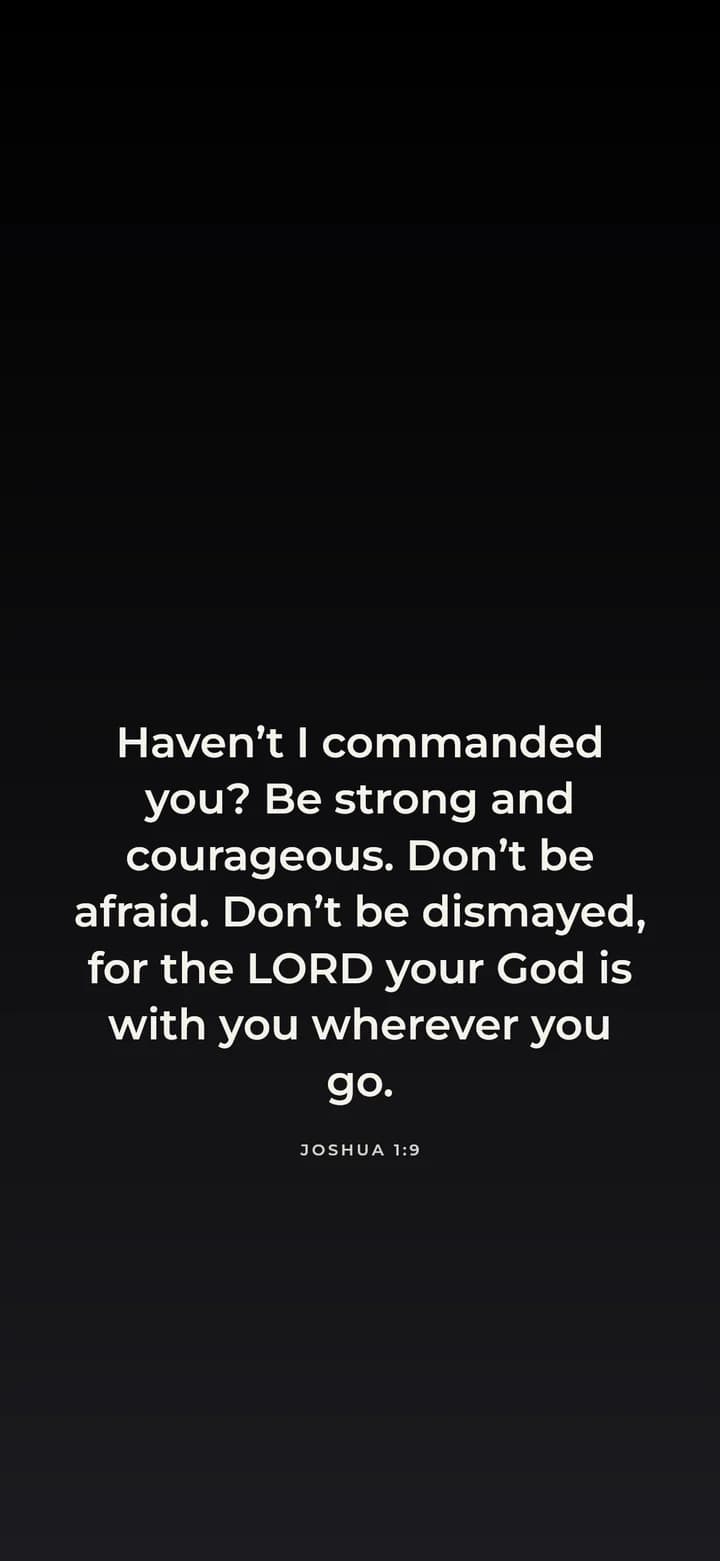
- Verse
- Joshua 1:9 (World English Bible)
- Background
- Midnight black
- Screen
- iPhone 16, 15, 15 Pro, 14 Pro
- Resolution
- 1179 x 2556 px
- Font
- Montserrat (clean sans)
- Verse font size
- 70 px
- Lines
- 7
- PNG file size
- 117 KB
- Render time
- 164 ms
How we test: every page is rendered at the native size of its screen, and we check each file by hand on a real phone or monitor. More on the about page.
Why a black Bible verse wallpaper suits dark mode
Many people keep their phone in dark mode all day. However, a bright verse image breaks that calm, so a black background feels more natural next to dark apps and menus. In addition, light text on black is easy to read at night with the screen dimmed.
Most recent iPhones and many Android phones use OLED screens. On these panels, black pixels are simply switched off, so the dark areas look deep and even. As a result, the verse seems to float on the glass instead of sitting on a gray box.
Midnight black, Onyx and gold, or Starry night
The maker has three dark backgrounds, and each one sets a different mood. Midnight black is the plainest choice. It works well with a bold sans serif and a short verse in uppercase, so the screen looks clean and modern.
Onyx and gold adds a soft warm glow behind the text. Pair it with Playfair and the gold swatch for a look that feels a little formal, like a gift card. Starry night, on the other hand, adds faint points of light, which suits verses about light and darkness such as John 1:5.
Choosing verses and fonts for a dark screen
In general, strong, short verses read best in white on black. For example, Joshua 1:9 says: Be strong and courageous. Don’t be afraid. You can trim the text in the box to keep only that line, and the reference still shows below it.
Thin fonts can look faint on a dark background. Therefore, raise the text size a step when you use Cormorant italic or Caveat. By contrast, Montserrat and Playfair hold up well at normal size, and the thin line or small cross ornament adds a quiet finish.
When a dark wallpaper is not the right choice
If you use light mode and a bright home screen, a black lock screen can feel heavy. In that case, Cream paper or Warm sand gives the same calm with a softer look.
Also, black works less well for long passages. Many lines of white text on black can tire your eyes, so keep a long verse for a lighter background or use a shorter part of it.
Dark settings in the maker
| Setting | Dark choice |
|---|---|
| Backgrounds | Midnight black, Onyx and gold, Starry night, Deep ocean |
| Text color | Auto (warm white on dark) or the gold swatch |
| Fonts | Montserrat for bold, Playfair for classic |
| Ornament | Small cross or thin line |
| Output | PNG at the native size of your screen |
Black Bible verse wallpaper FAQ
How do I make a black Bible verse wallpaper for free?
Pick a verse on this page, choose Midnight black or Onyx and gold, select your phone, and press Download free PNG. The free file has a small mark at the bottom.
Does a black wallpaper save battery on my phone?
On OLED screens, black pixels are turned off, so a dark image draws less power than a bright one. How much you save depends on your phone and how you use it.
What text color looks best on a black background?
Warm white is the easiest to read, and the Auto setting picks it for you. Gold is a nice accent on Onyx and gold.
Can I use a black photo of my own?
Yes. Press Use my own photo and move the Darken slider up until the verse stands out. For the free download, the photo stays in your browser.
Which Bible verses look good on a black lock screen?
Short, strong verses such as Joshua 1:9, John 1:5 or Psalm 46:10 fit on a few lines and read well in white on black.
Can I get the black wallpaper without the mark?
Yes. Get the clean HD file renders it on our server with no mark. You get one free each day, and after that it uses credits.