Canva Bible verse wallpaper or a dedicated verse maker?
A Canva Bible verse wallpaper is a good choice when you want collages, many fonts or a shared team design. If you only need one verse on your lock screen, a dedicated maker like Lampscreen is faster: it looks up the verse, sizes the image for your exact phone and keeps the text clear of the clock.
By The Lampscreen team (Product and testing). Last updated .
Side by side
| Lampscreen | Canva | |
|---|---|---|
| Price | Free PNG; clean HD file 1 free per day, then credits | Free plan; Pro, Business and Enterprise plans cost more |
| Account | Not needed | A free Canva account |
| Finding the verse | Built in: topics, word search, book and chapter | You type or paste the text yourself |
| Screen sizes | 17 presets at native resolution, phones to 4K | Custom size you enter, plus wallpaper templates |
| Lock screen layout | Below the clock position keeps the verse clear of the iOS clock | You place the text by eye |
| Design freedom | One verse, 16 backgrounds, 6 fonts | Drag and drop editor with 1.6M+ templates on the free plan |
| Collages and photos | One background or your own photo | Millions of photos and graphics, layers and collages |
| Team work | No | Collaboration and team admin tools on paid plans |
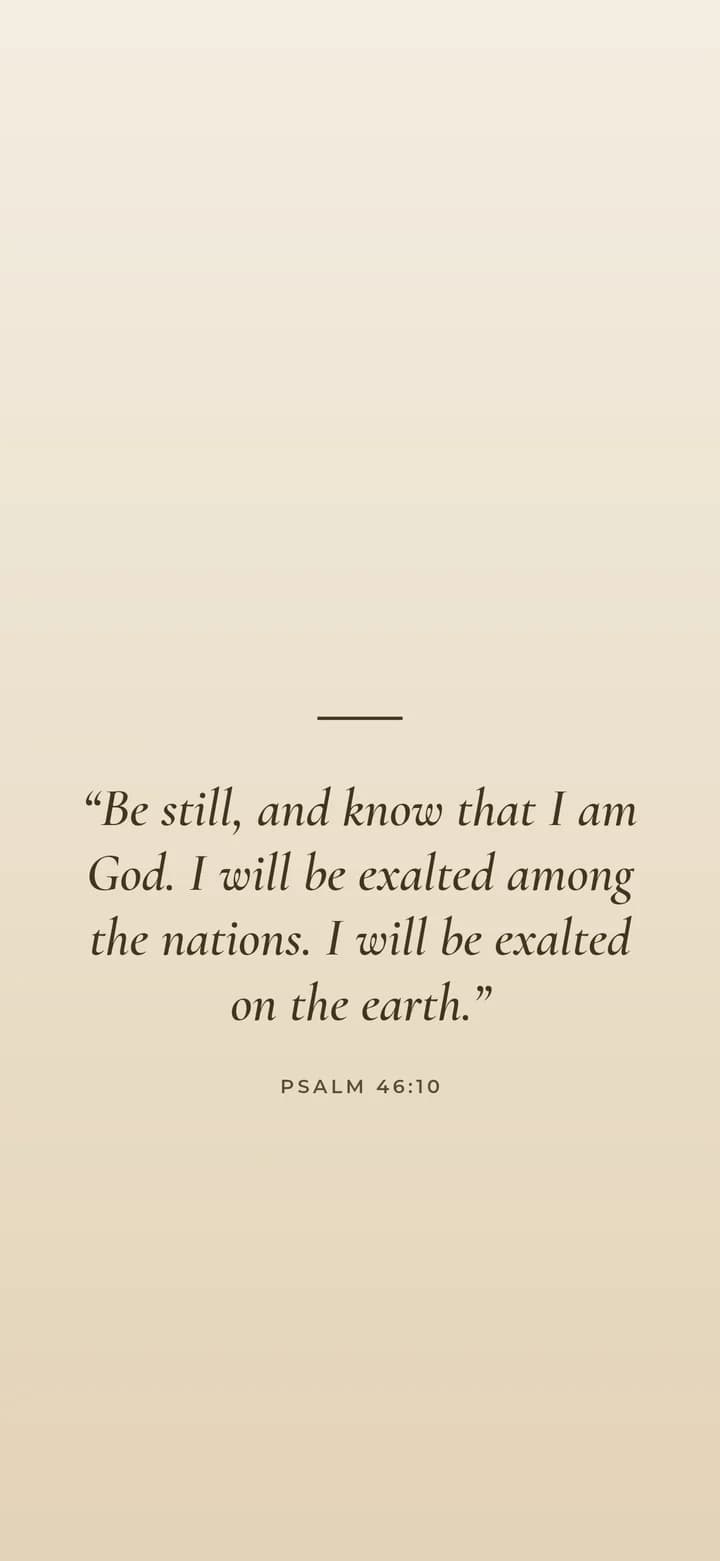
How people make a Canva Bible verse wallpaper
The usual route in Canva is simple. You start a design with a phone wallpaper template or a custom size, add a background, then type or paste your verse into a text box. After that, you pick fonts, move things around and download the image.
This works well, and Canva gives you a lot to play with. According to its pricing page, even the free plan includes a drag and drop editor, more than 1.6 million templates and millions of photos, graphics and audio files.
Where Canva is the better tool
To be fair, Canva wins whenever the design is more than one verse. For example, a photo collage, a church event graphic or a wallpaper with stickers, frames and three different fonts is much easier there. Our maker simply does not do layers.
Canva also suits groups. If your youth ministry wants a shared look, its paid plans add brand templates and team tools, so several people can edit the same design. Likewise, Canva covers flyers, slides and social posts in the same place.
Where a verse maker beats a Canva Bible verse wallpaper
The hard part of a verse wallpaper is rarely the design. Instead, it is finding the right verse, getting the exact pixel size of your phone and keeping the text out from under the clock. Our maker handles all three for you.
First, you pick a verse by topic, by word or by chapter, and the text comes straight from the public domain KJV or WEB files. Next, you choose your model, such as iPhone 16 Pro or Galaxy S25, and the PNG matches its native resolution. Finally, the Below the clock position keeps the verse between roughly 40% and 80% of the screen height.
Using both for one Canva Bible verse wallpaper
You do not have to choose only one. For instance, you can make a clean verse image here and then open it in Canva to add a photo or a small personal touch. Because our file is already the right size, you avoid resizing it later.
It also works the other way. If you made a photo in Canva, you can upload it here as your own background and use the Darken slider. Then the maker sets the verse on top at the exact size of your screen.
Frequently asked questions
How do I make a Bible verse wallpaper in Canva?
Start a phone wallpaper design or enter your screen size, add a background, paste the verse into a text box, then download it. Check the clock area so the text is not hidden.
Is Canva free for making a verse wallpaper?
Canva has a free plan with many templates and photos. Some premium templates and elements need a paid plan such as Canva Pro.
What size should a Canva Bible verse wallpaper be for iPhone?
Use the native size of your model. For example, iPhone 16 is 1179 x 2556 and iPhone 16 Pro Max is 1320 x 2868. Our maker lists 17 sizes, so you can copy the numbers.
Do I need an account to make a verse wallpaper?
Not here. Lampscreen works in the browser with no account. Canva uses a free Canva account to keep your designs.
Can I add my own photo behind the verse?
Yes, in both tools. In our maker, press Use my own photo and raise the Darken slider. For the free PNG the photo never leaves your browser.
Which is faster for a simple lock screen verse?
A dedicated verse maker is usually faster, because the verse lookup, screen size and clock safe layout are already set. Canva is better when you want to design every detail.